DNS_ERROR_FILE_WRITEBACK_FAILED 0x800725B6
Error code 9654 · HRESULT 0x800725B6
Failed to write datafile for DNS zone.
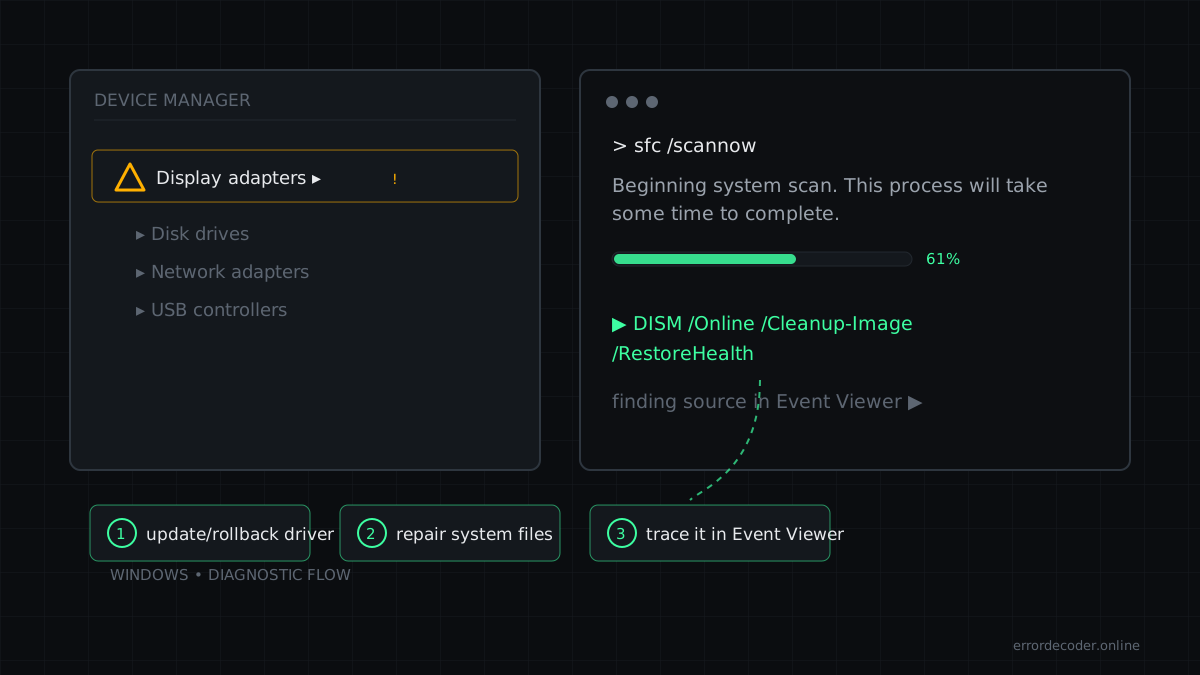
What it means
DNS_ERROR_FILE_WRITEBACK_FAILED is a Windows error code (system error 9654, returned as HRESULT 0x800725B6) reported by Windows. Its official message is: “Failed to write datafile for DNS zone.”
How to fix DNS_ERROR_FILE_WRITEBACK_FAILED
- Verify the path/file actually exists and is not blocked by antivirus quarantine
- Reinstall the application that raised the error to restore missing files
- Check the full path spelling (long paths >260 chars need a registry opt-in)
- Test connectivity to the remote host first (ping, then the exact port)
- Check firewall, VPN and proxy rules for the involved process
- Run 'ipconfig /flushdns' and 'netsh interface ip reset', then reboot
Related errors
Source: Microsoft WinError.h
Last updated: