DNS_ERROR_NO_VALID_TRUST_ANCHORS 0x800723A7
Error code 9127 · HRESULT 0x800723A7
This operation completed, but no trust anchors were added because all of the trust anchors received were either invalid, unsupported, expired, or would not become valid in less than 30 days.
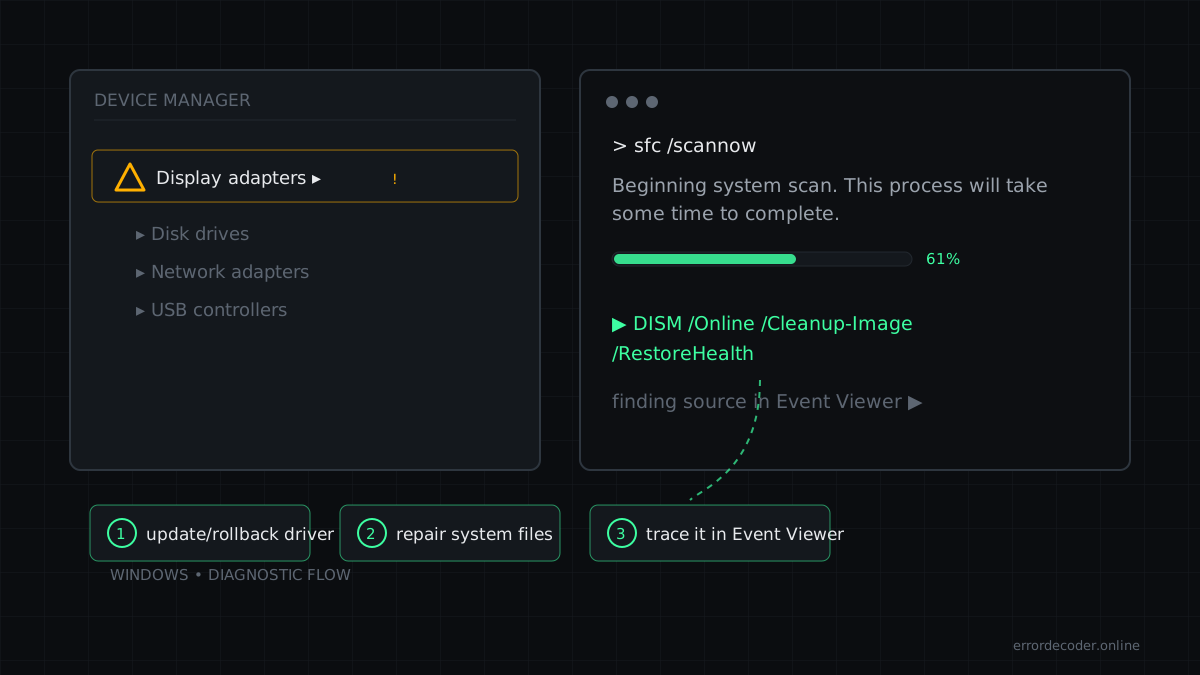
What it means
DNS_ERROR_NO_VALID_TRUST_ANCHORS is a Windows error code (system error 9127, returned as HRESULT 0x800723A7) reported by Windows. Its official message is: “This operation completed, but no trust anchors were added because all of the trust anchors received were either invalid, unsupported, expired, or would not become valid in less than 30 days.”
How to fix DNS_ERROR_NO_VALID_TRUST_ANCHORS
- Run the affected program as administrator (right-click → Run as administrator)
- Check permissions on the target resource: Properties → Security → your account
- Check Event Viewer → Windows Logs → Security for the matching audit entry
- Test connectivity to the remote host first (ping, then the exact port)
- Check firewall, VPN and proxy rules for the involved process
- Run 'ipconfig /flushdns' and 'netsh interface ip reset', then reboot
Related errors
Source: Microsoft WinError.h
Last updated: