ERROR_MCA_INVALID_CAPABILITIES_STRING 0x80073B60
Error code 15200 · HRESULT 0x80073B60
The monitor returned a DDC/CI capabilities string that did not comply with the ACCESS.bus 3.0, DDC/CI 1.1 or MCCS 2 Revision 1 specification.
What it means
ERROR_MCA_INVALID_CAPABILITIES_STRING is a Windows error code (system error 15200, returned as HRESULT 0x80073B60) reported by Windows. Its official message is: “The monitor returned a DDC/CI capabilities string that did not comply with the ACCESS.bus 3.0, DDC/CI 1.1 or MCCS 2 Revision 1 specification.”
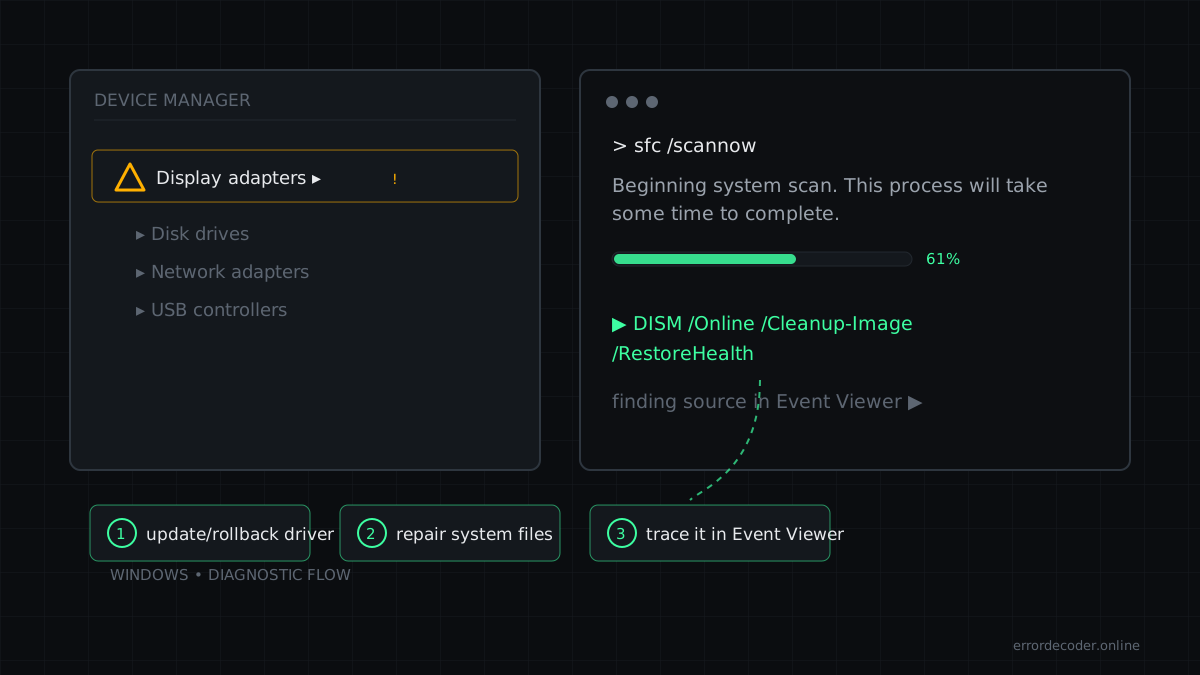
How to fix ERROR_MCA_INVALID_CAPABILITIES_STRING
- Run the affected program as administrator (right-click → Run as administrator)
- Check permissions on the target resource: Properties → Security → your account
- Check Event Viewer → Windows Logs → Security for the matching audit entry
Related errors
Source: Microsoft WinError.h
Last updated: