ERROR_MUI_INTLSETTINGS_UILANG_NOT_INSTALLED 0x80073B03
Error code 15107 · HRESULT 0x80073B03
UI language installation failed.
What it means
ERROR_MUI_INTLSETTINGS_UILANG_NOT_INSTALLED is a Windows error code (system error 15107, returned as HRESULT 0x80073B03) reported by Windows. Its official message is: “UI language installation failed.”
How to fix ERROR_MUI_INTLSETTINGS_UILANG_NOT_INSTALLED
- Run the Windows Update troubleshooter (Settings → System → Troubleshoot → Other tools)
- Reset update components: stop 'wuauserv' and 'bits', clear C:\Windows\SoftwareDistribution, restart both services
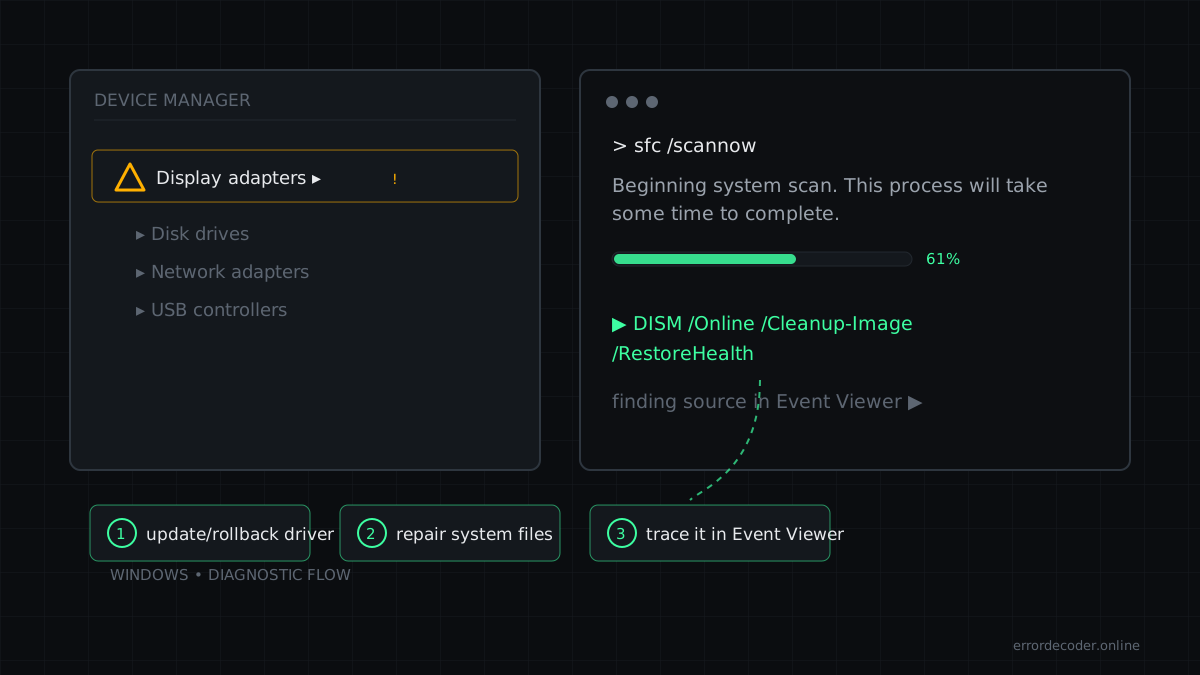
- Verify system file integrity with 'sfc /scannow'
Related errors
Source: Microsoft WinError.h
Last updated: