ERROR_NOT_SUPPORTED_ON_DAX 0x80070168
Error code 360 · HRESULT 0x80070168
This operation is not supported on a DAX volume.
What it means
ERROR_NOT_SUPPORTED_ON_DAX is a Windows error code (system error 360, returned as HRESULT 0x80070168) reported by Windows. Its official message is: “This operation is not supported on a DAX volume.”
How to fix ERROR_NOT_SUPPORTED_ON_DAX
- Reboot once — many one-off system codes disappear with a clean restart
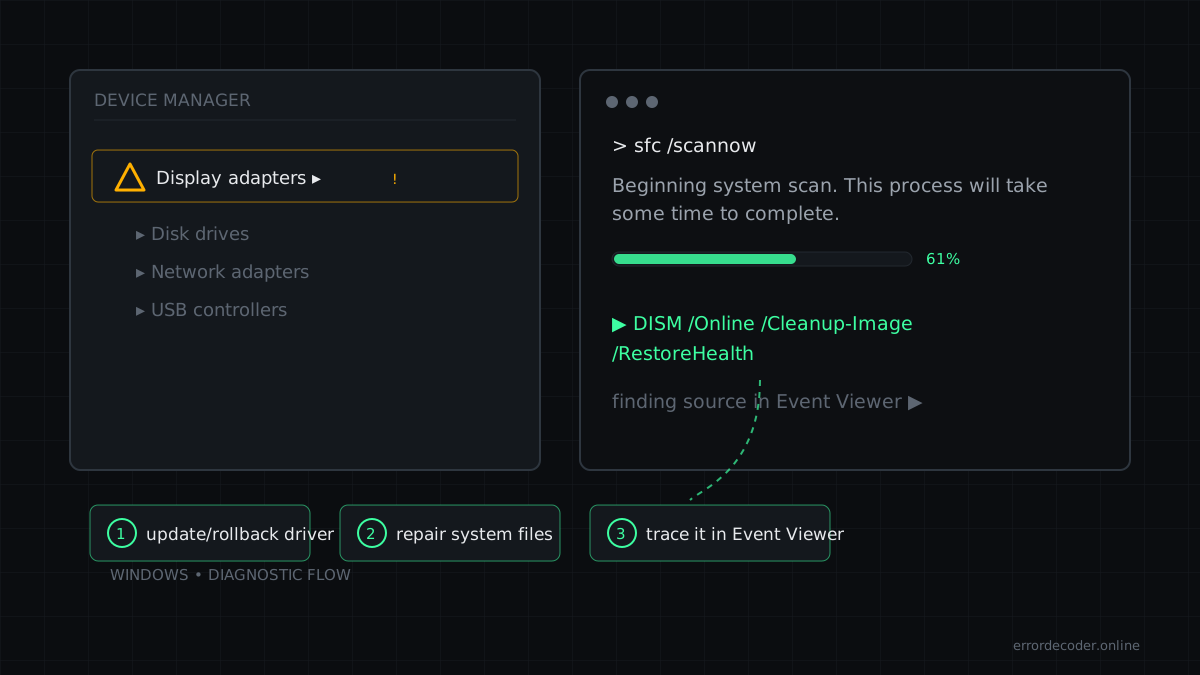
- Repair system files: 'sfc /scannow' then 'DISM /Online /Cleanup-Image /RestoreHealth'
- Find the source in Event Viewer → System: filter for this exact code and open its provider link
Related errors
Source: Microsoft WinError.h
Last updated: