Steam error 72: IPLogin Restriction Failed
EResult 72
IPLogin Restriction Failed
What it means
EResult_72 is a Steam error code reported by the Steam client. Its official message is: “IPLogin Restriction Failed”
How to fix Steam error 72: IPLogin Restriction Failed
- Issue is account-related: recover access at https://help.steampowered.com/en/wizard/HelpWithLogin
- Change your password if the issue started unexpectedly, and deauthorize unknown devices
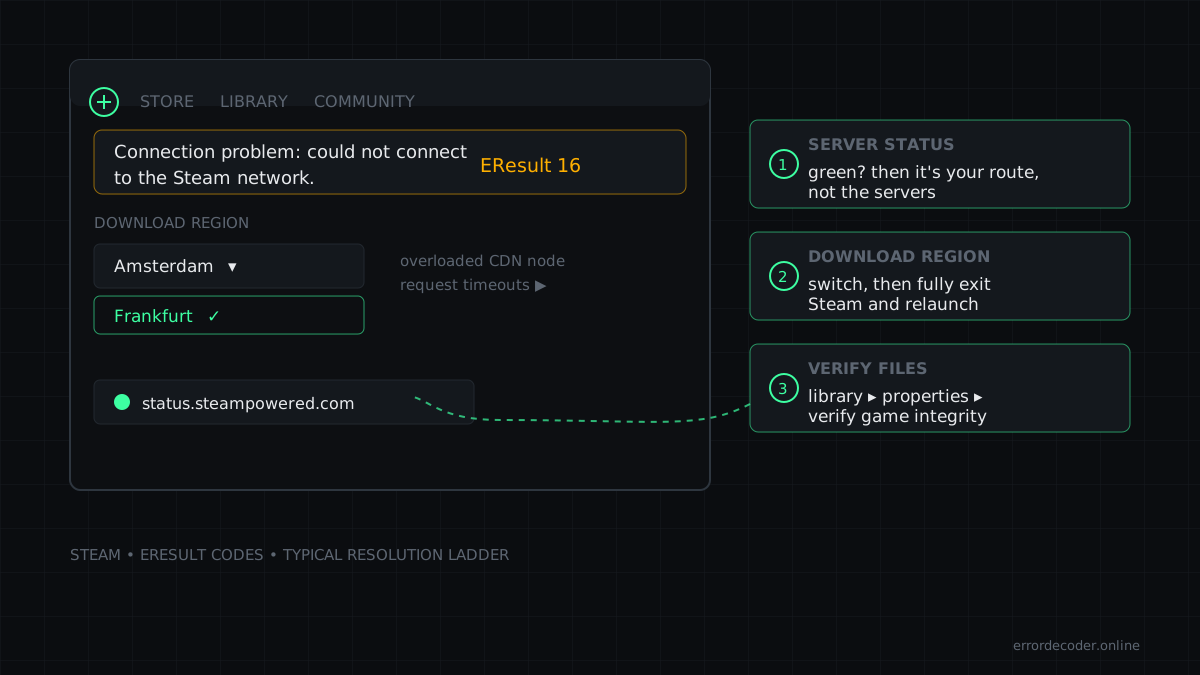
- Verify game files: Library → right-click title → Properties → Local Files → Verify integrity
- Check free space on the Steam library drive and add an antivirus exclusion for the Steam folder
Related errors
Source: SteamKit eresult.steamd
Last updated: